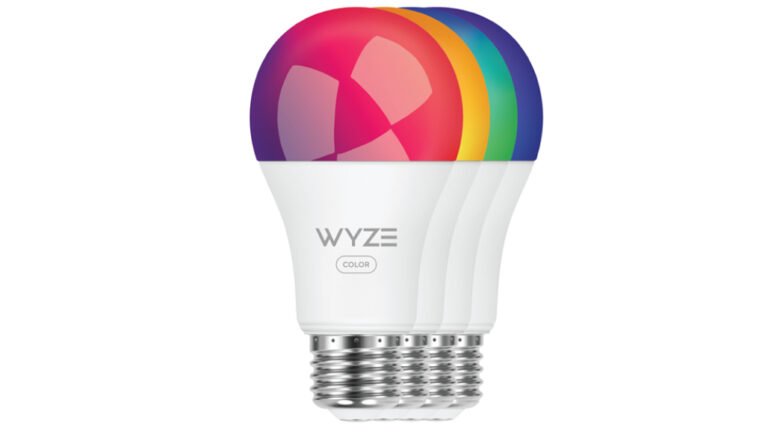
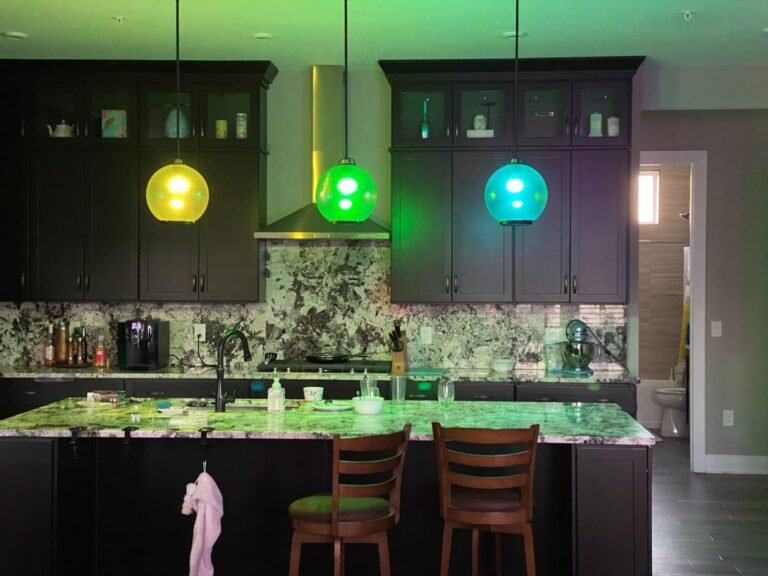
Govee smart lights represent excellent value for money. These smart bulbs are simple to use and connect directly to your Wi-Fi network so there’s no need for an additional hub. While they may lack the polished application of Philips Hue and additional features of LIFX, at a quarter of the price of its rivals, the Govee bulb makes for a compelling purchase.
Pros
Affordable
Responsive app
Alexa and Google Assistant integration
Cons
App design could be better
Limited bulb selection
Colors lack brightness
One-minute review
Govee is still a relatively new brand in smart lighting, so it’s not as well-known as Philips Hue or LIFX. However, it stands out by offering smart bulbs and LED light strips at much lower prices, making it a good choice for budget-friendly smart homes.
The Govee Wi-Fi LED Bulb works as expected: it connects to Wi-Fi and is controlled through a phone app. The app isn’t perfect and can feel a bit clunky, but the bulb works very well with Alexa and Google Assistant, which makes everyday use simple and convenient.
Setting up the Govee bulb is quick and easy. It connects directly to Wi-Fi, so you don’t need a separate hub. This saves money and makes it a better value than systems like Philips Hue or Hive, which require extra hardware.
The brightness is slightly weaker when showing colors other than white or yellow, but this is the main downside. In the US, the bulb comes with a screw fitting, while in the UK it only supports a bayonet fitting, meaning some users may need an adapter.
At this price, it’s hard to complain. Full-color bulbs start at around $14 / £14, and discounts are common, making Govee a very affordable smart lighting option.
Govee Wi-Fi LED Bulb price and availability
List price: $17.99 – 2 Pack
The main reason to choose Govee smart lighting is the low price. A two-bulb pack costs around $24 / £23, while a single bulb is about $14 / £14, and both are easy to find on Govee’s website or Amazon.
Despite the low cost, these color-changing bulbs offer excellent value, costing about four times less than similar bulbs from Philips Hue, LIFX, or Hive. They also connect directly to Wi-Fi, so there’s no need for a hub. This keeps setup simple and lets you control the lights from your phone even when you’re not at home, which is very convenient for everyday use.
Design
Not all fittings offered in all territories
Looks and feels just like a regular bulb
Might protrude from lamps in an adapter is needed
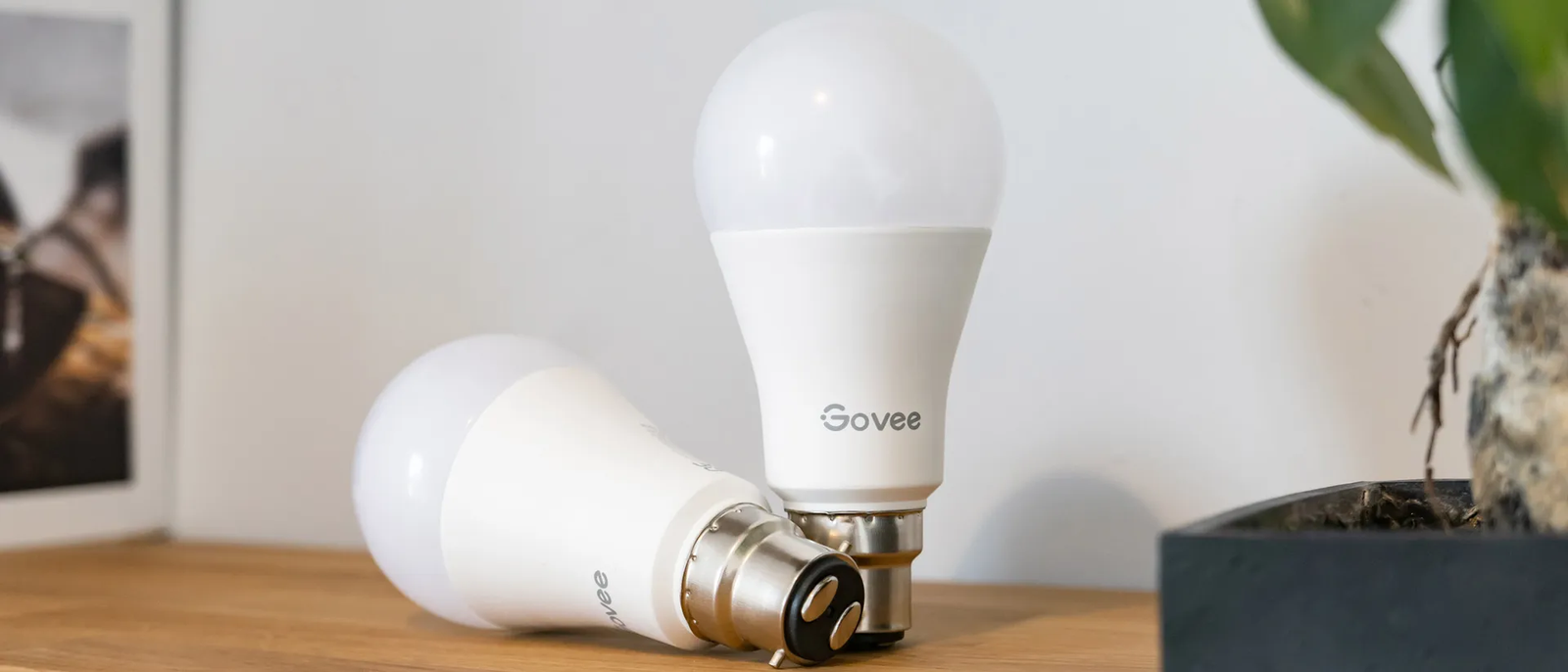
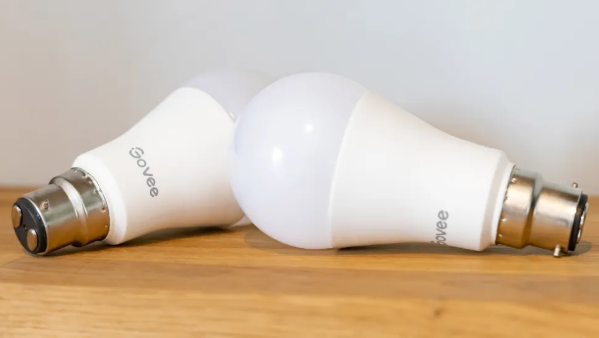
The two-bulb pack includes B22 bayonet bulbs with Wi-Fi. They have a rounded top and fit into lamps just like normal bulbs.
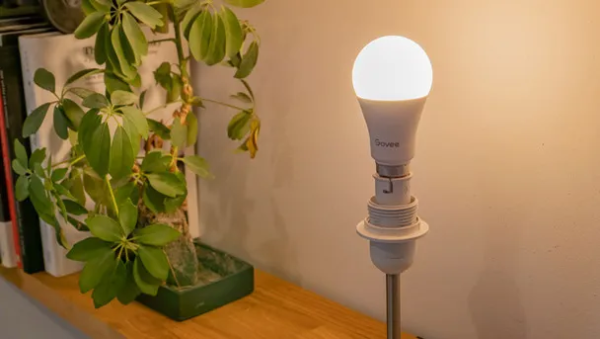
Since not everyone uses bayonet fittings, an adapter may be needed. A cheap one works fine, but it makes the bulb longer, which could be a problem in small lamps or shades.
Govee mainly focuses on LED light strips and unique lighting products. If you’re looking for spotlights, decorative bulbs, or other shapes, you’ll need to choose another brand—and probably pay more.
Performance
Setup is quick and easy
Wi-Fi connection is speedy and reliable
800 lumens
Setting up Govee bulbs is mostly easy using the smartphone app. You do need to switch the bulb on and off a few times so the app can detect it, which feels a bit unnecessary compared to other smart bulbs.
Once set up, the bulb responds quickly and reliably. Commands work just as fast whether you’re at home on Wi-Fi or controlling the light remotely, which makes everyday use simple and frustration-free.
Connecting the bulb to Alexa or Google Assistant is quick and easy. Once linked, you can use voice commands to turn the light on or off and change its color, warmth, or brightness.
One small downside is brightness. While the bulb is bright enough in white or yellow, it looks a bit dimmer when showing strong colors. Even though it’s rated at 800 lumens, it doesn’t feel quite as bright as more expensive smart bulbs when using bold colors.
App
Lots of features
Slightly cluttered layout
Responsive
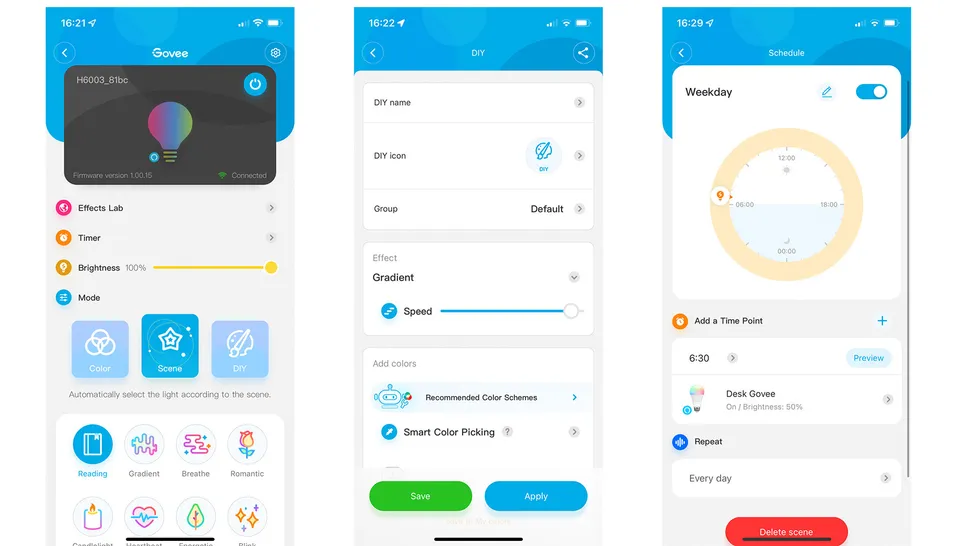
Govee bulbs are controlled using a free smartphone app. After the slightly annoying setup process, the app lets you change brightness, color, and warmth, and set schedules.
You can also group bulbs by room and control them together. There are a few ready-made lighting modes, but they’re quite basic—for example, “Romantic” is just a strong pink or purple light.
The app works fast and has plenty of options, but in daily use, voice control with Alexa or Google Assistant feels more convenient. For most people, the app will mainly be used for setup, while voice commands handle everything else.
Should I buy the Govee Wi-Fi LED Bulb?
Buy it if…
You’re on a budget
With prices starting from £14 / £14 per bulb, Govee represents excellent value for money, significantly undercutting many of its rivals. Philips Hue or LIFX might offer a more complete lighting system, but for covering the basics Govee bulbs will save smart home buildings a lot of money.
You primarily use Alexa or Google Assistant
The Govee app isn’t the best, but integration with Alexa and Google Home means you can control your bulbs using these systems instead. Connecting the bulb to your existing system is easy and they respond quickly when speaking to your voice assistant of choice.
You don’t already have a smart light system
Govee bulbs connect directly to your Wi-Fi network and don’t require a hub, so are a great option if you are new to smart lighting, since you don’t need to spend money on any other equipment. Just connect the bulb to your Wi-Fi and control it with the free Govee app.
Don’t buy it if…
You’re looking for a wide range of bulbs
Unlike some of its better-known rivals, Govee doesn’t offer an expansive range of bulbs to pick from. There are no GU10 spotlights, no edison-style filament bulbs and no weatherproof smart lighting designed for the garden. Instead, only the common B22 and E27 bulbs are offered, plus a range of LED light strips.
Absolute brightness is your primary concern
The bulb performed well when asked to shine white or yellow, but to our eyes, it wasn’t as bright when switched to another color, like blue, red, or green. This might not be a problem for some buyers, but worth being aware of if you plan on projecting bold colors at maximum brightness.
You use Apple HomeKit
Govee bulbs can be made to work with Siri, using Apple’s Shortcuts app. But it’s a clunky experience that requires a fair bit of setup and isn’t anywhere near as seamless as with lights that work natively with Apple’s HomeKit system. Users of this should look elsewhere for more tightly integrated smart lighting.