The Bottom Line
The Wyze Bulb Color is a refreshingly affordable smart light bulb you can control with your phone and voice that supports device-triggered automations, schedules, sleep routines, and more.

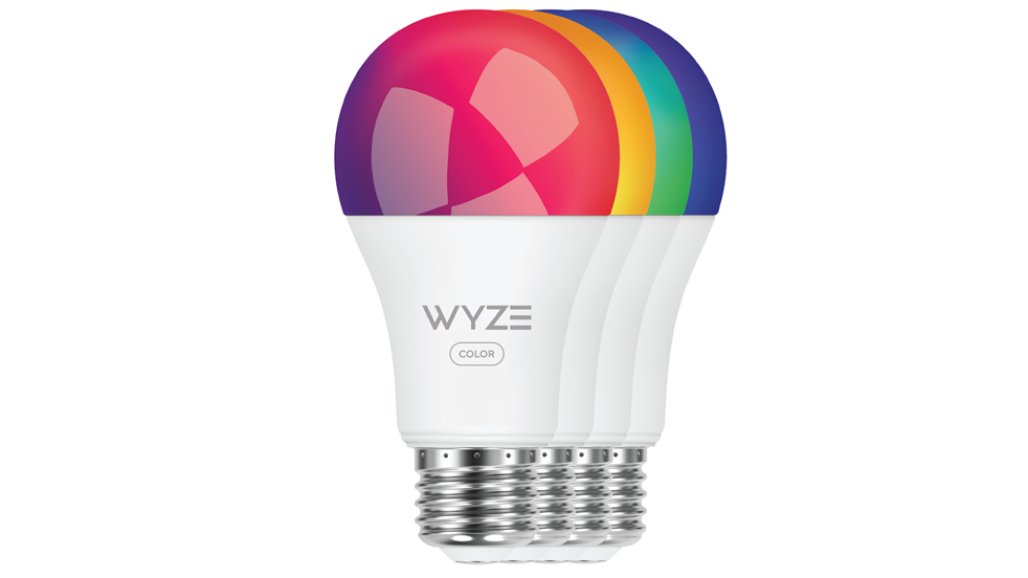
The Wyze Bulb Color is a refreshingly affordable smart light bulb you can control with your phone and voice that supports device-triggered automations, schedules, sleep routines, and more.
Compared to many smart bulbs (including Wyze’s own original bulb), the Wyze Bulb Color can get noticeably brighter. At full power, it’s bright enough to light up a room comfortably, similar to what you’d expect from a traditional 75-watt bulb. This makes it a good choice for spaces where you don’t want the light to feel weak, like living rooms or kitchens.
At the other end of the scale, the bulb can dim down very low, which is great for creating a cozy atmosphere or using it as a night light. It can go much dimmer than the older Wyze Bulb, so it won’t feel harsh when you just want a soft glow in the evening.
You also get more control over how warm or cool the white light looks. The Bulb Color can produce a very warm, almost candle-like light for relaxing, as well as a cooler, brighter white for focus or daytime use. Compared to the original Wyze Bulb, this wider range gives you more flexibility to match the lighting to your mood or activity.
The Wyze Bulb Color is slightly bigger than the original model, but it still uses the standard bulb shape and screw-in base, so it fits most lamps and fixtures without any issues. It’s also rated to last longer than the older version, meaning fewer replacements over time.
Like the original, it connects directly to your Wi-Fi, so there’s no need for a separate hub. It also includes Bluetooth, which lets you control the bulb from your phone even if your internet goes down.
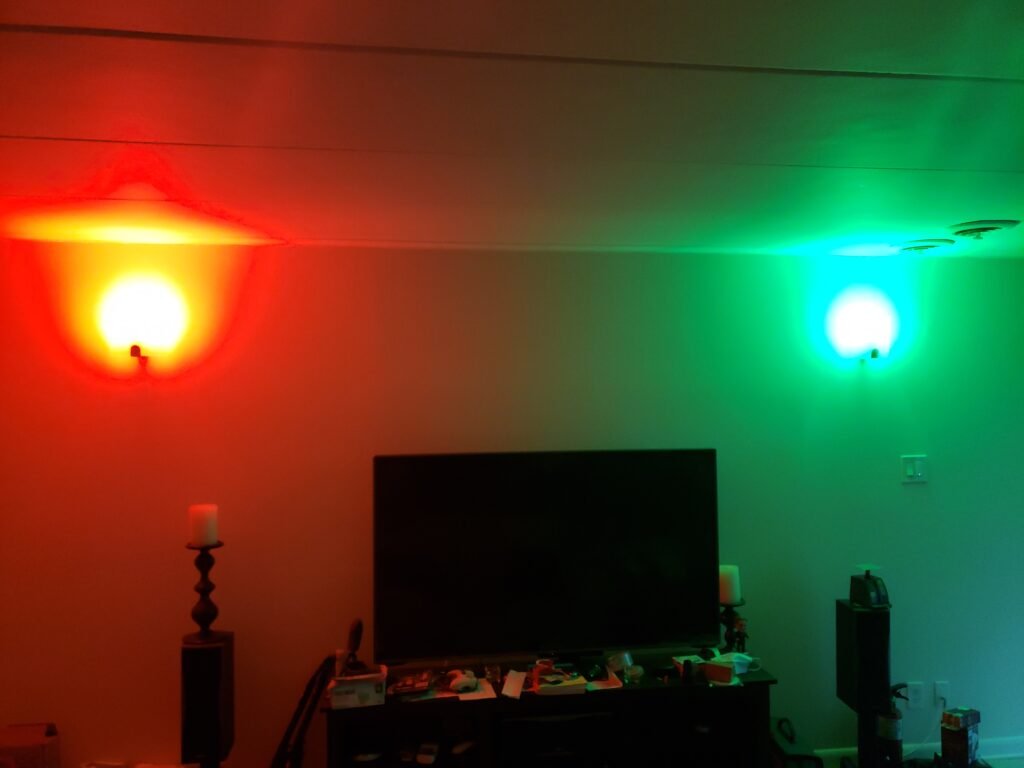
Wyze says the bulb can be used in places like bathrooms or covered outdoor areas, but it shouldn’t be exposed to rain or sealed inside tight fixtures. It also shouldn’t be used with a wall dimmer—brightness is meant to be adjusted through the app or with voice commands instead.
For the price, the Bulb Color offers a solid set of features, but it doesn’t include some extras found on pricier smart bulbs, like animated lighting effects or energy usage tracking. Those features are available on certain competitors, but they come at a similar or higher cost.
Setting up the Wyze Bulb Color is quick and beginner-friendly. You just install the Wyze app, sign in or create an account, and add the bulb by following the step-by-step instructions in the app. When asked, allow Bluetooth access so your phone can find the bulb.
After you screw in the bulb, it should start pulsing to show it’s ready to connect. If it doesn’t, turning it off and on a few times will put it into pairing mode.
The app usually finds the bulb within seconds. Once it does, you can name it based on where you’re using it—like a desk lamp or bedroom light—and it’s ready to use.
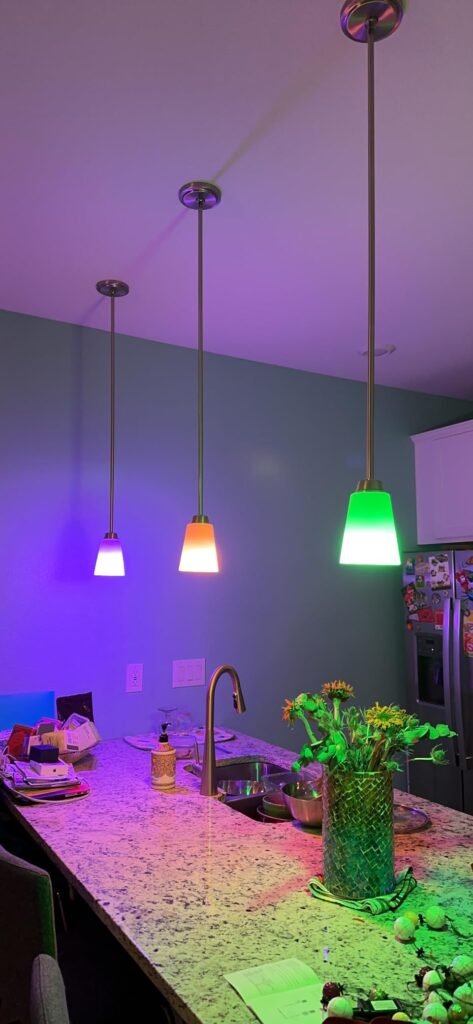
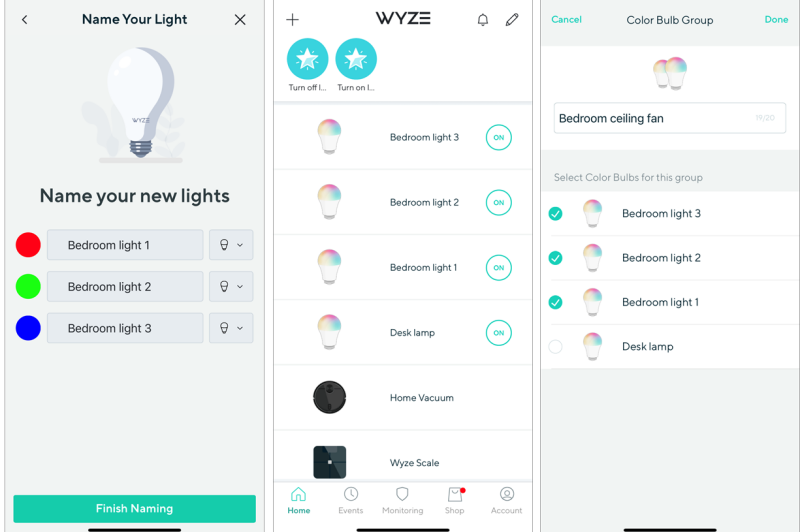
After setting up one bulb in a desk lamp, I installed three more in a bedroom ceiling fan and grouped them together. Wyze makes adding multiple bulbs at once easy—you can screw them all in, follow the same setup steps, and name each bulb separately.
When the app finds more than one bulb, each one lights up in a different color so you can tell them apart. This makes it simple to match the right name to the right light.
To control them together, you can create a group in the app, give it a name (like a bedroom ceiling fan), and select which bulbs belong in it. One thing to note is that Bulb Color can’t be grouped with the original Wyze Bulb, but you can still link them using app automations so they turn on and off together.
Since I already had Wyze connected to Amazon Alexa, the bulbs linked automatically with no extra setup. After adding them in the Wyze app, Alexa sent a notification letting me know I could control the lights with voice commands, like turning a lamp on or off.
I also connected the bulbs to Google Assistant, and in everyday use, voice commands worked quickly and reliably on both platforms.
Wyze is known for packing a lot of features into affordable smart home products, and the Bulb Color follows that same approach. You can create schedules, routines, and custom scenes to match your daily habits, like winding down at night or waking up in the morning.
The app includes one-tap lighting presets for different situations, such as Night Light, Cozy, Bright, and Energized. There are also colorful scene options like Gaming, Movie, and Meditation for a more fun or atmospheric setup.
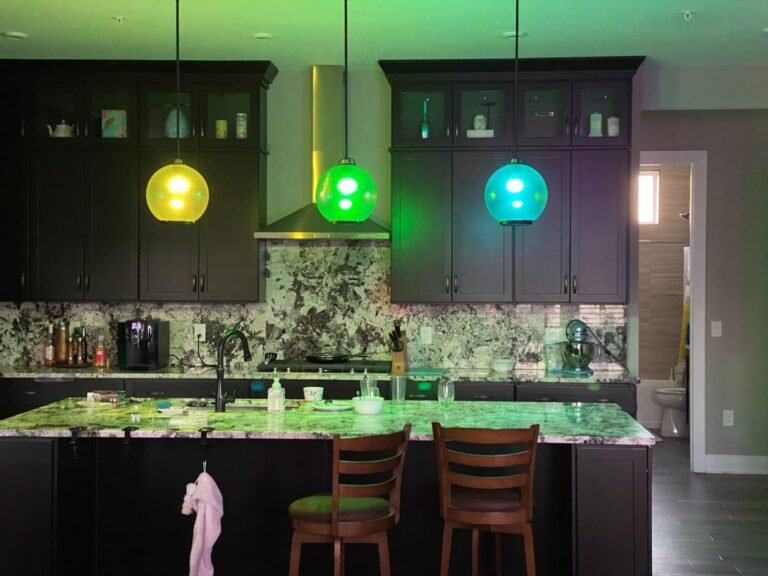
If you group multiple bulbs together, these scenes become more interesting. Instead of all lights showing the same color, each bulb displays a slightly different, matching color, which creates a more dynamic and visually appealing effect in a room.
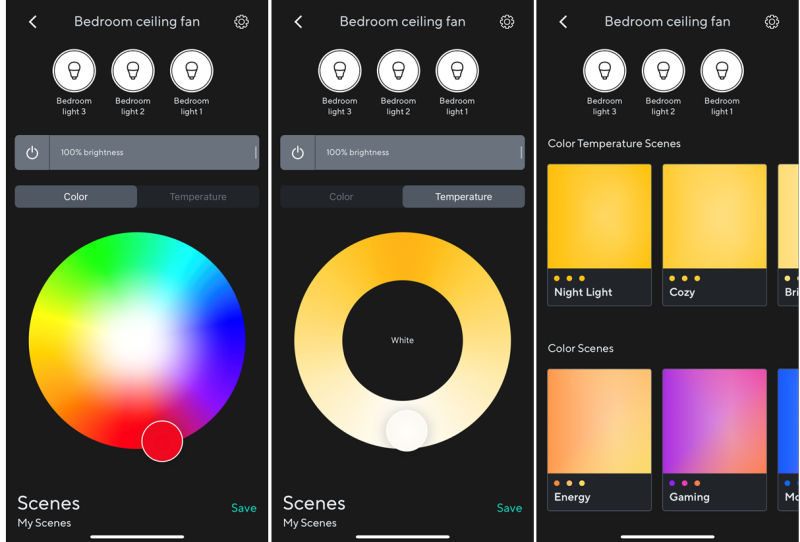
If you want more control, you can manually choose the light color or warmth, adjust the brightness, and save those settings as a custom scene. When using multiple bulbs in a group, you can make them all match or give each one a slightly different look. Saving your favorite setups makes it easy to switch moods without having to adjust everything again.
Wyze also includes helpful automation features, like wake-up and bedtime routines. These slowly brighten or dim the lights to make waking up easier or help you relax before sleep. You can choose when they start, how long they last, and which days they run, and for wake-up routines, you can also set how bright and cool the light becomes.
In the app’s automation section, you can create shortcuts that appear right on the home screen. These let you turn lights on or off or switch to a favorite brightness or tone with a single tap, which is convenient for everyday use.
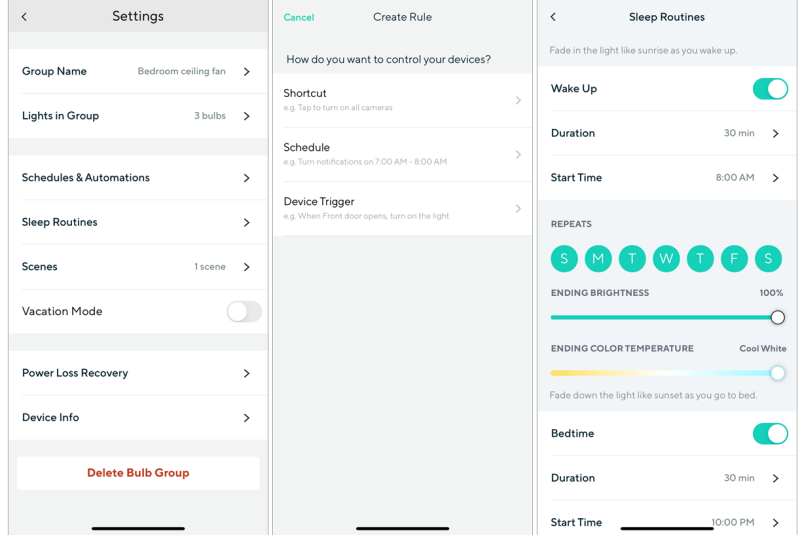
The scheduling feature lets you automatically turn your lights on and off at set times. When scheduling a light to turn on, you can also choose how bright it should be and how warm or cool the light looks.
Wyze also lets different devices work together using triggers. For example, I set it up so when the light in my living room turns off, the desk lamp in my office turns off too. This is especially useful if you forget to turn off a light before bed, since one voice command or action can shut everything down at once. The bulb also works with IFTTT, so it can connect with other smart devices and services.
There’s also a Vacation Mode that randomly turns lights on and off to make it look like someone is home. Turning it on is quick and easy from the bulb’s settings in the app.
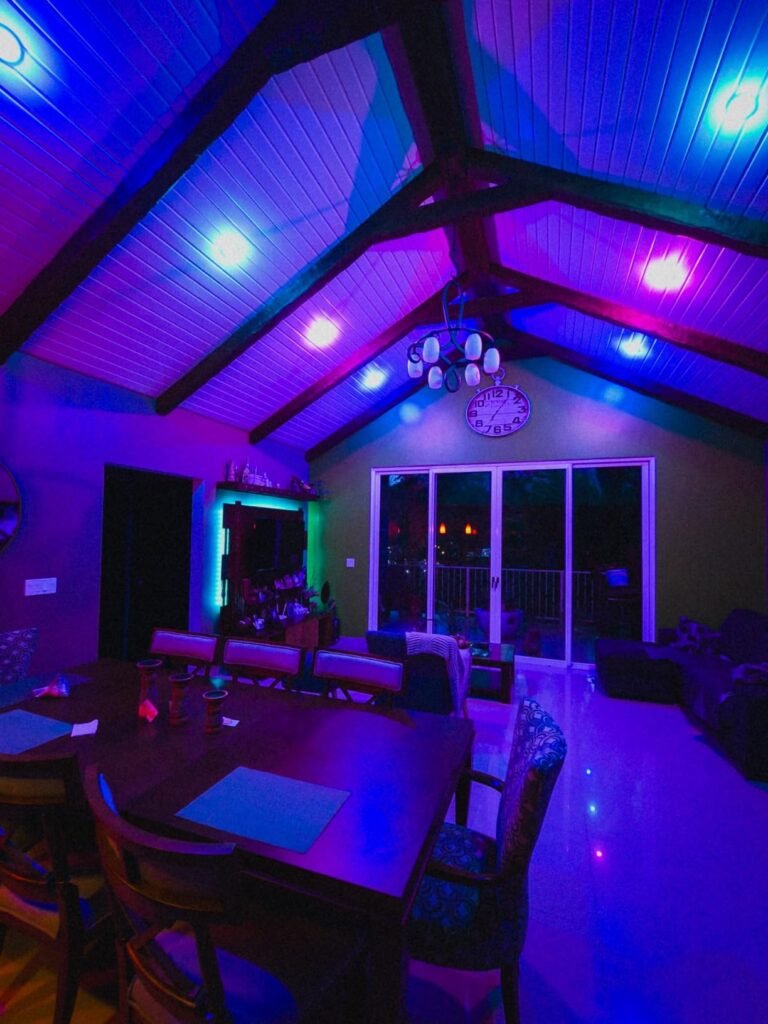
With its full range of colors and warm-to-cool whites, plus adjustable brightness, the Wyze Bulb Color is great for setting the right mood—whether you’re working, relaxing, or hosting friends. It connects directly via Bluetooth and Wi-Fi, so you don’t need a hub, and works with Alexa and Google Assistant for easy voice control.
The bulb is simple to install and supports custom scenes, schedules, automations, and sleep routines. You can also group multiple bulbs to control them together or let each one show a different color. At this price, few smart color bulbs offer this much flexibility, making the Wyze Bulb Color a highly customizable option—and a solid choice for anyone looking to upgrade their home lighting
The Bottom Line
The Wyze Bulb Color is a refreshingly affordable smart light bulb you can control with your phone and voice that supports device-triggered automations, schedules, sleep routines, and more.